From a scan of your home to an AI that answers for it.
Watch your rooms flow from capture into a renovation record you can actually steer, then onboard your own home in six steps.
Six steps, start to AI
What a homeowner actually does, from the first scan to chatting with their home.
Capture your home once
Walk your rooms with Magicplan, or add spaces by hand. Walls, dimensions, systems, and fixtures become structured home context, not a blank page.
Magicplan scan · manual entryImport your floor plan
Export the Magicplan Statistics CSV and drop it in. Every room, area, perimeter, and floor lands in RenovAI in seconds. No re-typing, no do-over.
Statistics CSV → SpacesYour home becomes a reusable record
RenovAI turns each room and system into one home record. Every project starts from that source of truth, and your AI answers from it.
rooms · systems · measurementsAdd your suppliers
Build your own supplier history: every quote request, reply, on-time record, and change order you’ve had with each one. Your memory of them, not their marketing.
suppliers with memoryRequest quotes, in one inbox
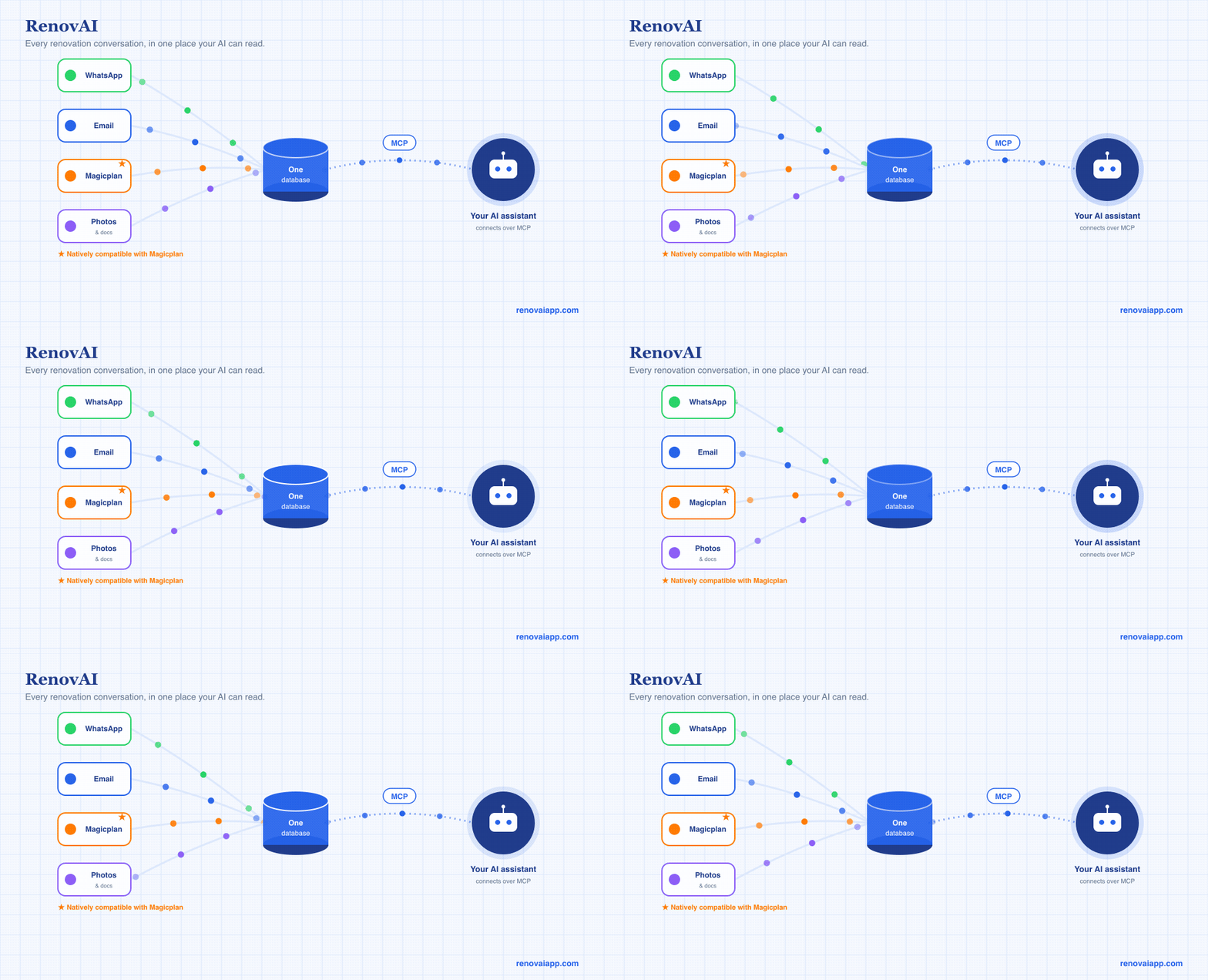
Send quote requests by email. Replies thread back to the right project automatically. Compare the numbers line by line, with missing items and odd pricing flagged for you.
quote request out · replies threaded inTalk to your home over MCP
Connect your AI assistant to your home record. Draft a supplier message, summarize a scope, and plan the next phase from your real rooms and quotes.
Claude · MCP · your dataFree to start · 1 home · 2 projects